Tag: GSTR-2B

  • DRC-01C Notice: GSTR-2B vs GSTR-3B ITC Mismatch and How to Explain the Difference

    DRC-01C Notice: GSTR-2B vs GSTR-3B ITC Mismatch and How to Explain the Difference

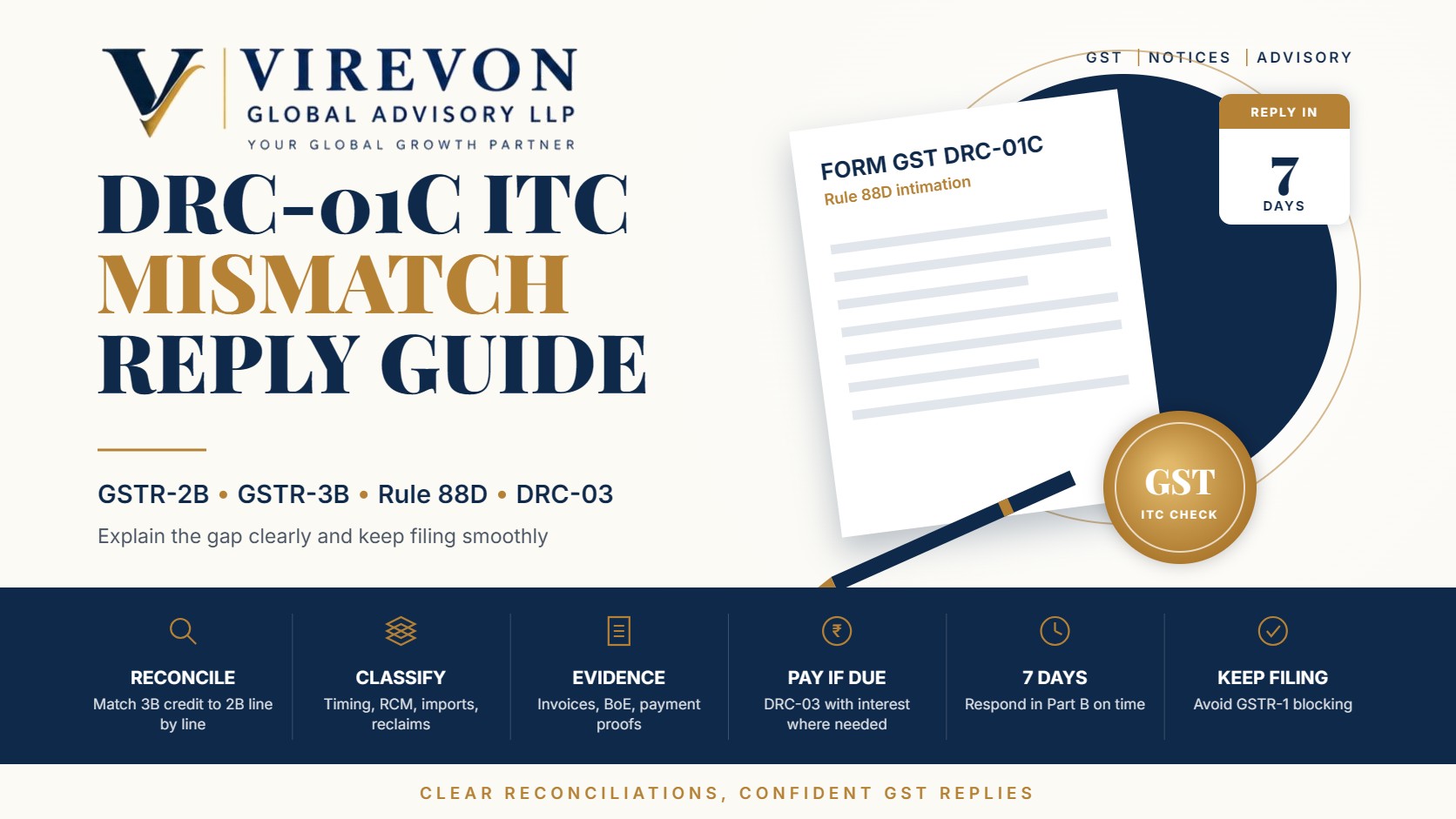
    A DRC-01C intimation is the GST portal’s way of saying that the input tax credit you claimed in GSTR-3B is noticeably higher than what your GSTR-2B shows for the same period. It is an automated, early-stage alert, not a demand order, and in most cases it can be closed with a clean reconciliation and a short explanation.

    The key is to respond on time. A DRC-01C that is left unanswered can stop you from filing your next GSTR-1, which affects your customers’ credit as well. This guide explains why the intimation is generated, how to work out the difference, and how to reply confidently.

    Key takeaways

    • DRC-01C is issued under Rule 88D of the CGST Rules, inserted by Notification No. 38/2023-Central Tax dated 4 August 2023.
    • As recorded in the 50th GST Council minutes, it is generated when the excess ITC in GSTR-3B over GSTR-2B crosses both ₹25 lakh and 20%; the system parameters can be revised.
    • You get seven days to respond in Part B: either pay the excess through DRC-03 or explain the difference.
    • If you do neither, the portal can block filing of your next GSTR-1 or IFF.
    • Most differences are genuine timing or classification gaps, so a well-documented reconciliation usually resolves the matter.

    What a DRC-01C intimation actually says

    The intimation is system-generated and reaches you by email and on the GST portal under the notices section. Part A shows the tax period, the ITC available as per GSTR-2B, the ITC claimed in GSTR-3B, and the difference head-wise (IGST, CGST, SGST and cess).

    Part B is your response. Rule 88D gives you two routes, and you may use a combination of both:

    1. Pay the excess credit, with applicable interest, through Form DRC-03 and quote the ARN in Part B.
    2. Explain the difference, with reasons and supporting details, for the portion you believe is correctly claimed.

    The intimation itself does not fix any tax liability. It is designed as a nudge so that genuine errors are corrected early, and genuine claims are placed on record before any formal proceeding.

    Why the ITC in GSTR-3B can exceed GSTR-2B

    GSTR-2B is a static statement built from what your suppliers report, cut off on a fixed date each month. Your GSTR-3B claim is based on your books. The two will rarely match exactly, and many differences are perfectly legitimate.

    Reason for the differenceIs the ITC valid?What to show in Part B
    Supplier filed GSTR-1 after the 2B cut-off; invoice appears in next month’s 2BUsually yes (timing)Invoice list and the later GSTR-2B period in which it appears
    ITC on reverse charge supplies paid in cash through GSTR-3BYes, if RCM tax is paidRCM liability paid, challan/3B reference, self-invoices
    IGST on imports where Bill of Entry data reached 2B in a later periodUsually yes (timing)Bill of Entry numbers, dates and ICEGATE status
    ITC reversed earlier and reclaimed now (for example, after paying a supplier within 180 days)Yes, if reversal was reportedElectronic Credit Reversal and Re-claimed Statement entries
    Credit from an Input Service Distributor received lateUsually yesISD invoices and GSTR-6 details
    Invoice rejected or kept pending in IMS, or never uploaded by the supplierNeeds reviewSupplier follow-up; consider reversal or payment
    Excess or duplicate claim, or ineligible creditNoPay through DRC-03 with interest

    The first five rows are the most common and are generally explainable. The last two need honest review, because they may be a real excess claim.

    How to reconcile before replying to DRC-01C

    A structured reconciliation makes the reply simple and credible. Work through it in this order:

    1. Download GSTR-2B for the period in the intimation and the two or three months after it.
    2. Export your purchase register for the same period, including RCM entries, imports and ISD credit.
    3. Match invoice by invoice, using GSTIN, invoice number and taxable value. Most accounting tools and the portal’s own comparison reports can help here.
    4. Bucket every unmatched item into timing, RCM, imports, reclaim, ISD or excess.
    5. Check later GSTR-2B periods to confirm that timing items have since appeared.
    6. Quantify the excess that has no explanation and decide whether to pay it.

    It helps to link this exercise with your routine monthly checks. Our guide to GSTR-2B vs GSTR-3B ITC reconciliation sets out a monthly process that keeps these gaps small in the first place.

    Drafting the Part B reply

    The Part B text box is short, so the explanation should be crisp and factual. A practical structure looks like this:

    • Summary line: total difference as per the intimation, amount explained, and amount paid (if any).
    • Breakdown by reason: for example, “₹X relates to 14 invoices reflected in the GSTR-2B of the following month; ₹Y is ITC on RCM paid in cash in the same GSTR-3B.”
    • Payment details: DRC-03 ARN and date for any portion you have chosen to pay.
    • Documents offered: mention that invoice-wise workings and supporting documents are available and can be produced on request.

    A short worked example

    Suppose GSTR-2B shows ITC of ₹40 lakh and GSTR-3B shows ₹72 lakh, a gap of ₹32 lakh (80%). On reconciliation:

    • ₹18 lakh appears in the next month’s GSTR-2B (late supplier filing).
    • ₹9 lakh is IGST on imports where the Bill of Entry reflected in the following period.
    • ₹3 lakh is RCM on legal and freight services, paid in cash.
    • ₹2 lakh relates to a supplier who never uploaded the invoices.

    The reply would explain ₹30 lakh with references, and the business would either obtain proper reporting from the supplier or pay the ₹2 lakh through DRC-03 with interest, quoting the ARN.

    What happens if you do not respond

    Rule 59(6) restricts filing of GSTR-1 or IFF where a DRC-01C intimation has not been addressed through Part B. That block affects your customers, whose GSTR-2B will not show your invoices until you file. It is also important to remember that unexplained excess credit can later be taken up through a formal show cause notice, under section 73 or 74 for earlier years, or section 74A from FY 2024-25 onwards.

    If you are already at that stage, our guides on replying to a GST show cause notice and voluntary payment through DRC-03 explain the next steps.

    Good habits that keep DRC-01C away

    • Reconcile GSTR-2B with your books before filing every GSTR-3B, not at year-end.
    • Use the Invoice Management System to accept, reject or keep pending supplier invoices deliberately.
    • Keep a simple timing register of invoices claimed before they appear in GSTR-2B.
    • Report reversals and reclaims correctly so the credit ledger statements support you.
    • Follow up with suppliers who file late or report under the wrong GSTIN.

    Frequently asked questions

    Is DRC-01C a show cause notice?

    No. It is an automated intimation under Rule 88D asking you to pay or explain an ITC difference. It becomes a demand only if the matter later moves to formal proceedings.

    How many days do I get to reply to DRC-01C?

    Rule 88D provides seven days from the date of the intimation. Replying early is always better, especially if your next GSTR-1 is due soon.

    Can I partly pay and partly explain the difference?

    Yes. You can pay the portion you accept through DRC-03 and explain the rest in the same Part B response, quoting the DRC-03 ARN.

    What if the invoices appeared in GSTR-2B later?

    Mention the later tax period and the invoice details in your reply. Timing differences of this kind are among the most common and accepted explanations.

    If you have received a DRC-01C or want your monthly ITC reconciliation set up properly, our GST team will be glad to help you prepare a clear, well-documented reply.

    This article is general information based on the law as of September 2026, and is not legal or tax advice. Please check the facts of your own case with a professional before acting.
  • GSTR-2B vs GSTR-3B ITC Reconciliation: A Step-by-Step Monthly Process

    GSTR-2B vs GSTR-3B ITC Reconciliation: A Step-by-Step Monthly Process

    Input tax credit (ITC) is claimed in GSTR-3B, but the law now links that claim closely to GSTR-2B, the auto-generated statement of credit available from your suppliers’ filings. A disciplined GSTR-2B reconciliation each month is therefore one of the most valuable habits a GST-registered business can build.

    The purpose is simple: claim every rupee of credit you are entitled to, and nothing you are not. When the process is done monthly, differences are small and easy to explain. When it is left to the year end, it becomes a large exercise and can lead to system-generated intimations. This article sets out a practical step-by-step monthly process, with a worked example.

    Key takeaways

    • ITC in GSTR-3B is auto-populated from GSTR-2B, and claims are generally restricted to invoices reflected in GSTR-2B.
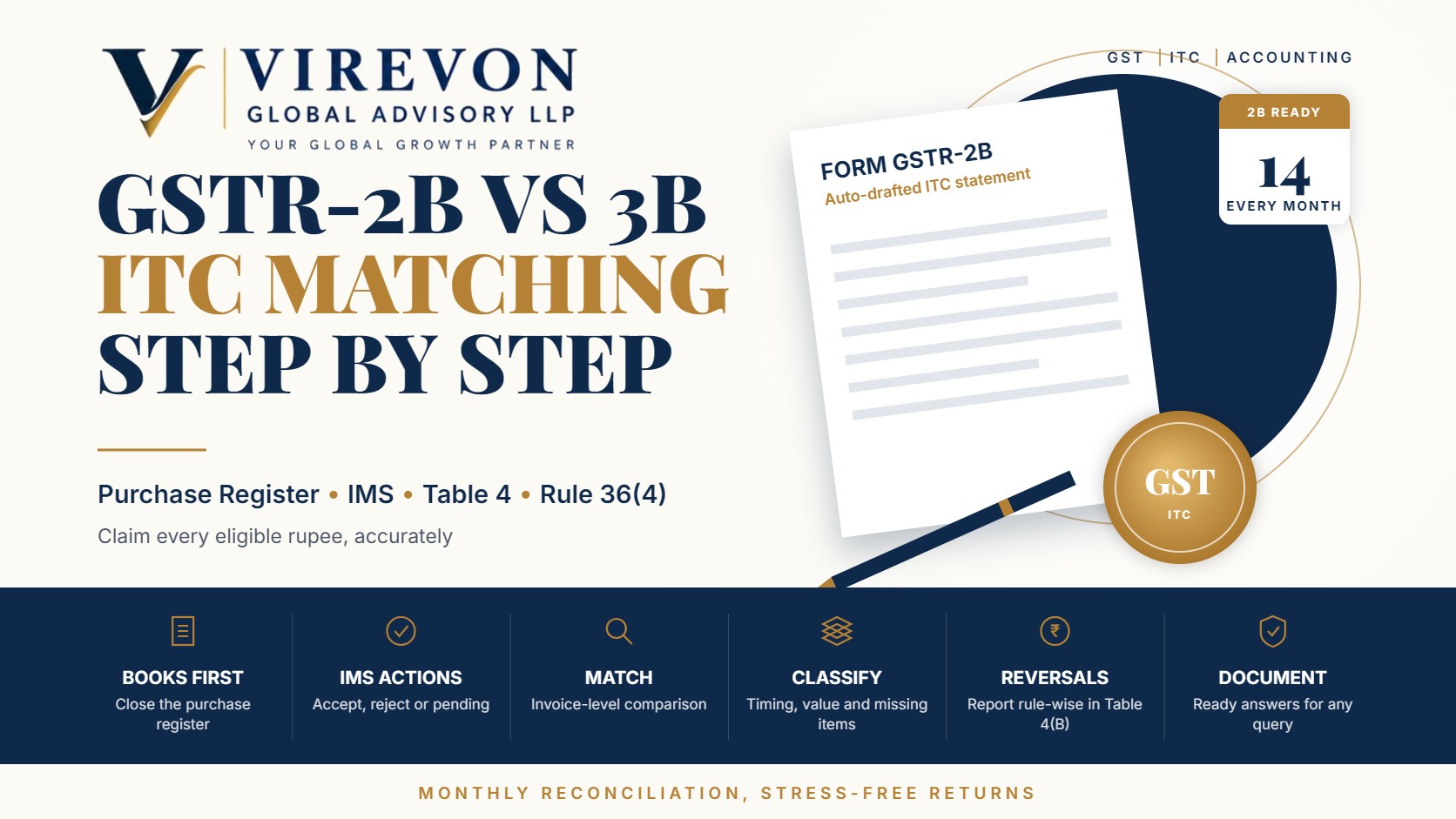
    • GSTR-2B for a month is generated on the 14th of the following month, based on your actions in the Invoice Management System (IMS).
    • A three-way match of purchase register, GSTR-2B and GSTR-3B keeps claims accurate and supports your annual return.
    • Reversals under rules 37, 38, 42 and 43 and section 17(5) should be reported separately in Table 4(B), and eligible reclaims tracked carefully.
    • Where ITC claimed in GSTR-3B exceeds GSTR-2B beyond prescribed limits, the portal can issue an intimation in DRC-01C under rule 88D.

    Why GSTR-2B reconciliation matters

    Under rule 36(4) and section 16(2)(aa), ITC on supplier invoices is generally available only when the invoice is furnished by the supplier and communicated to you in GSTR-2B. GSTR-3B Table 4 is pre-filled from GSTR-2B. The ITC figures remain editable, but any claim above GSTR-2B must be backed by a clear reason, and large or persistent differences are flagged automatically.

    Reconciliation also protects you in the other direction: it identifies credit that appears in GSTR-2B but is not eligible, such as blocked credits, and invoices you have not yet recorded in your books.

    The monthly GSTR-2B reconciliation process

    Step 1: Close the purchase register

    Before the 10th of the following month, make sure all purchase invoices, debit notes and credit notes for the month are recorded with the correct supplier GSTIN, invoice number, date, taxable value and tax.

    Step 2: Review records in IMS

    Use the Invoice Management System to accept, reject or keep pending supplier records. Complete this before the 14th so that GSTR-2B reflects your decisions.

    Step 3: Download GSTR-2B and match

    Download GSTR-2B in Excel or JSON and match it with the purchase register, invoice by invoice. Use GSTIN plus invoice number as the primary key, with tolerance for small differences in formatting of invoice numbers.

    Step 4: Classify every difference

    Put each unmatched item into one of these buckets:

    1. In books, not in GSTR-2B: supplier has not yet filed, filed with the wrong GSTIN, or the invoice was kept pending.
    2. In GSTR-2B, not in books: invoice not yet received, not yet booked, or not your purchase at all.
    3. Value or tax mismatch: wrong rate, wrong place of supply (IGST versus CGST and SGST), or typing errors.
    4. Timing differences: invoice booked in one month and reported by the supplier in another.

    Step 5: Decide eligibility and reversals

    For matched records, confirm that the credit is actually eligible. Separate out blocked credits under section 17(5), credit relating to exempt supplies under rules 42 and 43, and amounts to be reversed for non-payment to suppliers within 180 days under rule 37.

    Step 6: Prepare GSTR-3B Table 4

    • Table 4(A): credit available, normally as per GSTR-2B, adjusted only for well-documented reasons.
    • Table 4(B)(1): permanent reversals, such as rules 38, 42, 43 and section 17(5).
    • Table 4(B)(2): temporary reversals that may be reclaimed later, such as rule 37 reversals.
    • Table 4(D)(1): reclaim of credit reversed earlier in Table 4(B)(2), once conditions are met.

    Step 7: Follow up and document

    Send suppliers a list of missing invoices, keep a register of pending items, and note the reason for every difference. This working file will be invaluable when preparing the annual return.

    A worked example

    Suppose a trading business has the following figures for August 2026.

    ParticularsITC amount (₹)
    ITC as per purchase register4,80,000
    Invoices in books but not in GSTR-2B (supplier yet to file)(35,000)
    Invoices in GSTR-2B but not in books (booked in September)12,000
    ITC as per GSTR-2B4,57,000
    Less: blocked credit on staff food and beverages, section 17(5)(8,000)
    Less: unpaid supplier beyond 180 days, rule 37(6,000)
    Net ITC to be availed in GSTR-3B4,43,000

    In this case, Table 4(A) shows ₹4,57,000 as per GSTR-2B. Table 4(B)(1) shows ₹8,000 for the blocked credit, and Table 4(B)(2) shows ₹6,000 under rule 37, which can be reclaimed after payment. The ₹35,000 not yet in GSTR-2B is not claimed this month; it is tracked and claimed when the supplier reports it, within the section 16(4) time limit.

    Handling common differences

    • Supplier has not filed: follow up politely with a list and due date. If the delay continues, consider holding payment of the tax portion until the invoice appears.
    • Wrong GSTIN used by supplier: ask for an amendment in the supplier’s next GSTR-1 or GSTR-1A, and reject the incorrect record in IMS if it appears under another entity.
    • IGST charged instead of CGST and SGST: the supplier must correct the invoice; the credit of wrongly charged tax cannot simply be adjusted.
    • Invoice in GSTR-2B, not received: keep it pending in IMS until the goods or services and invoice arrive.

    When the portal raises a DRC-01C intimation

    Under rule 88D, if the ITC claimed in GSTR-3B exceeds the ITC available in GSTR-2B beyond the prescribed limits, the portal can issue an intimation in Part A of DRC-01C. You can respond in Part B by paying the excess with interest or by explaining the difference. Businesses that reconcile monthly usually have the explanation ready, which makes the reply quick.

    Frequently asked questions

    Can I claim ITC for an invoice not shown in GSTR-2B?

    Generally no. ITC on supplier invoices is linked to GSTR-2B. Track such invoices and claim the credit in the month they appear, within the time limit.

    When is GSTR-2B generated?

    On the 14th of the month following the tax period, based on actions taken in IMS. It can be recomputed after changing actions, until GSTR-3B is filed.

    Is GSTR-3B Table 4 locked to GSTR-2B figures?

    ITC is auto-populated from GSTR-2B and currently remains editable, but differences should be supported by documented reasons. Watch GSTN advisories for any changes.

    How often should ITC reconciliation be done?

    Monthly, before filing GSTR-3B. A full-year review before the annual return is also useful.

    If you would like help setting up a reliable monthly GSTR-2B reconciliation for your business, our team would be glad to support you.

    This article is general information based on the law as of September 2026, and is not legal or tax advice. Please check the facts of your own case with a professional before acting.

  • Invoice Management System (IMS) in GST: Accept, Reject or Keep Pending – A Practical Guide

    Invoice Management System (IMS) in GST: Accept, Reject or Keep Pending – A Practical Guide

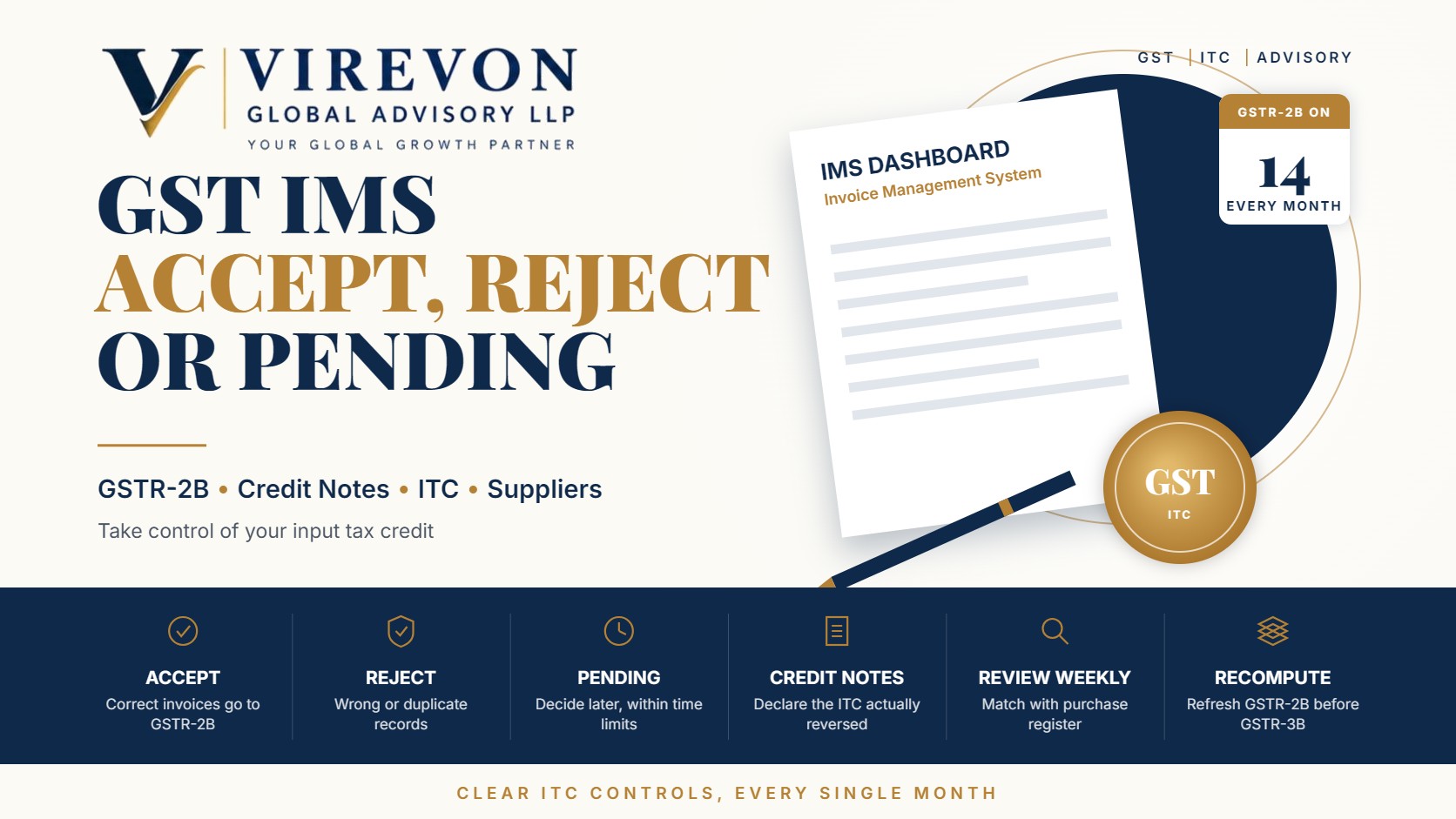
    The Invoice Management System GST functionality, known as IMS, gives recipients a simple way to act on the invoices their suppliers report before those invoices flow into GSTR-2B. For each record you can choose to accept, reject or keep it pending. If you take no action, the record is treated as accepted when GSTR-2B is generated.

    Used well, IMS turns input tax credit (ITC) from a month-end surprise into a routine, controlled process. Used carelessly, a single wrong click can remove valid credit or leave an incorrect invoice in your GSTR-2B. This guide explains how each action works, what changed for credit notes from October 2025, and a practical monthly routine for your accounts team.

    Key takeaways

    • IMS lets you accept, reject or keep pending each invoice, debit note and credit note reported by suppliers; no action means deemed acceptance.
    • GSTR-2B is generated on the 14th of the following month from IMS actions, and you can recompute it after changing actions until you file GSTR-3B.
    • From the October 2025 tax period, credit notes can be kept pending for one tax period, and you can declare how much ITC you are actually reversing.
    • Rejection should be reserved for records that are genuinely wrong, as it removes the credit from your GSTR-2B for that period.
    • A short weekly review in IMS is far easier than a large reconciliation just before the GSTR-3B due date.

    How the Invoice Management System in GST works

    When a supplier saves or files an invoice in GSTR-1, GSTR-1A or the invoice furnishing facility, it appears on the recipient’s IMS dashboard. The recipient then reviews it. On the 14th of the following month, the GST portal generates GSTR-2B using the recipient’s actions, and the ITC shown there is auto-populated into GSTR-3B.

    Some records do not pass through IMS. These include inward supplies under reverse charge, import of goods reported through customs data, ISD distributions and records that are ineligible under the time limit in section 16(4). Those continue to be handled directly while preparing GSTR-3B.

    Accept, reject or pending: what each action means

    ActionEffect on your GSTR-2BWhen to use it
    AcceptIncluded in GSTR-2B for the monthGoods or services received, invoice correct and ITC intended to be claimed
    RejectExcluded from GSTR-2BInvoice not yours, duplicate, wrong values or wrong GSTIN
    PendingExcluded this month, stays in IMS for laterGoods not yet received, invoice under verification, dispute in progress
    No actionTreated as accepted when GSTR-2B is generatedOnly where your team has consciously reviewed the record

    Accept

    Accept records where the supply has been received, the invoice details match your purchase records, and you intend to claim the credit. Accepting does not replace the other conditions for ITC, such as receipt of goods, payment within 180 days and the supplier paying the tax. It simply includes the record in your GSTR-2B.

    Reject

    Reject records that should not be in your name at all: invoices with the wrong GSTIN, duplicates, fictitious entries, or invoices where the value or tax is wrong. Once rejected, the record will not form part of your GSTR-2B for that period, and the supplier will need to correct it. Communicate with the supplier promptly so that the correction happens in the next return cycle.

    Keep pending

    Pending is useful when the invoice may be valid but you are not yet ready to claim it, for example when goods are in transit. Pending records stay in IMS and can be acted on later. Remember that the overall time limit for claiming ITC still applies, so pending cannot be used indefinitely. Our guide to the Section 16(4) ITC time limit explains that deadline.

    Credit notes in IMS: the October 2025 changes

    Credit notes reduce the recipient’s ITC, so recipients were initially reluctant to accept them promptly. GSTN introduced two useful changes for records reported from the October 2025 tax period onwards.

    1. Pending option for credit notes. A credit note can now be kept pending for one tax period, which is one month for monthly filers and one quarter for quarterly filers. If no action is taken by the end of that window, it is treated as accepted.
    2. Declaring the ITC reversal amount. When accepting a credit note, you can indicate whether the ITC to be reduced is the full amount, a partial amount or nil, for example where you had never claimed ITC on the original invoice. A remark is required when declaring partial or nil reversal. If no amount is declared, the system assumes full reversal.

    These changes let recipients match reversals to their actual ITC position rather than relying on a default.

    A monthly IMS routine that works

    1. Weekly, review new records. Download the IMS data and match it with your purchase register. Most records can be accepted in bulk once matched.
    2. Flag exceptions early. For unmatched records, contact the supplier before the month closes.
    3. Before the 14th, make sure all actions for the month are complete, so that GSTR-2B reflects your decisions.
    4. After GSTR-2B generation, check the summary. If you change any action, recompute GSTR-2B before filing GSTR-3B.
    5. Review pending items monthly, and move them to accept or reject as the facts become clear.
    6. Keep a short log of rejections and reasons, useful in the event of a later query or a GSTR-2B reconciliation difference.

    Common mistakes to avoid

    • Rejecting instead of keeping pending. A valid invoice that is simply early should normally be kept pending, not rejected.
    • Relying on deemed acceptance without review. It is convenient, but incorrect invoices will then flow into GSTR-2B.
    • Accepting blocked credits and claiming them. Items covered by section 17(5) may appear in IMS; accepting them for record purposes is fine, but they must not be claimed as ITC.
    • Ignoring the supplier side. If you are a supplier, check whether customers have rejected your invoices or credit notes, and correct them in your next return.
    • Forgetting to recompute GSTR-2B after changing actions.

    Frequently asked questions

    Is it mandatory to take action in IMS?

    No. If no action is taken, records are treated as accepted when GSTR-2B is generated. However, reviewing records is strongly advisable so that only correct invoices reach your GSTR-2B.

    Can I change an action after GSTR-2B is generated?

    Yes, until you file GSTR-3B for that period. After changing actions, recompute GSTR-2B so that the updated figures flow into GSTR-3B.

    How long can a credit note be kept pending?

    For records from the October 2025 tax period onwards, a credit note can be kept pending for one tax period: one month for monthly filers or one quarter for quarterly filers.

    Does accepting an invoice in IMS guarantee my ITC?

    No. Acceptance places the record in GSTR-2B, but the conditions of the GST law, such as receipt of supply, payment and the time limit, must still be met.

    If you would like help setting up an efficient IMS review and ITC reconciliation routine for your team, we would be glad to support you.

    This article is general information based on the law as of September 2026, and is not legal or tax advice. Please check the facts of your own case with a professional before acting.