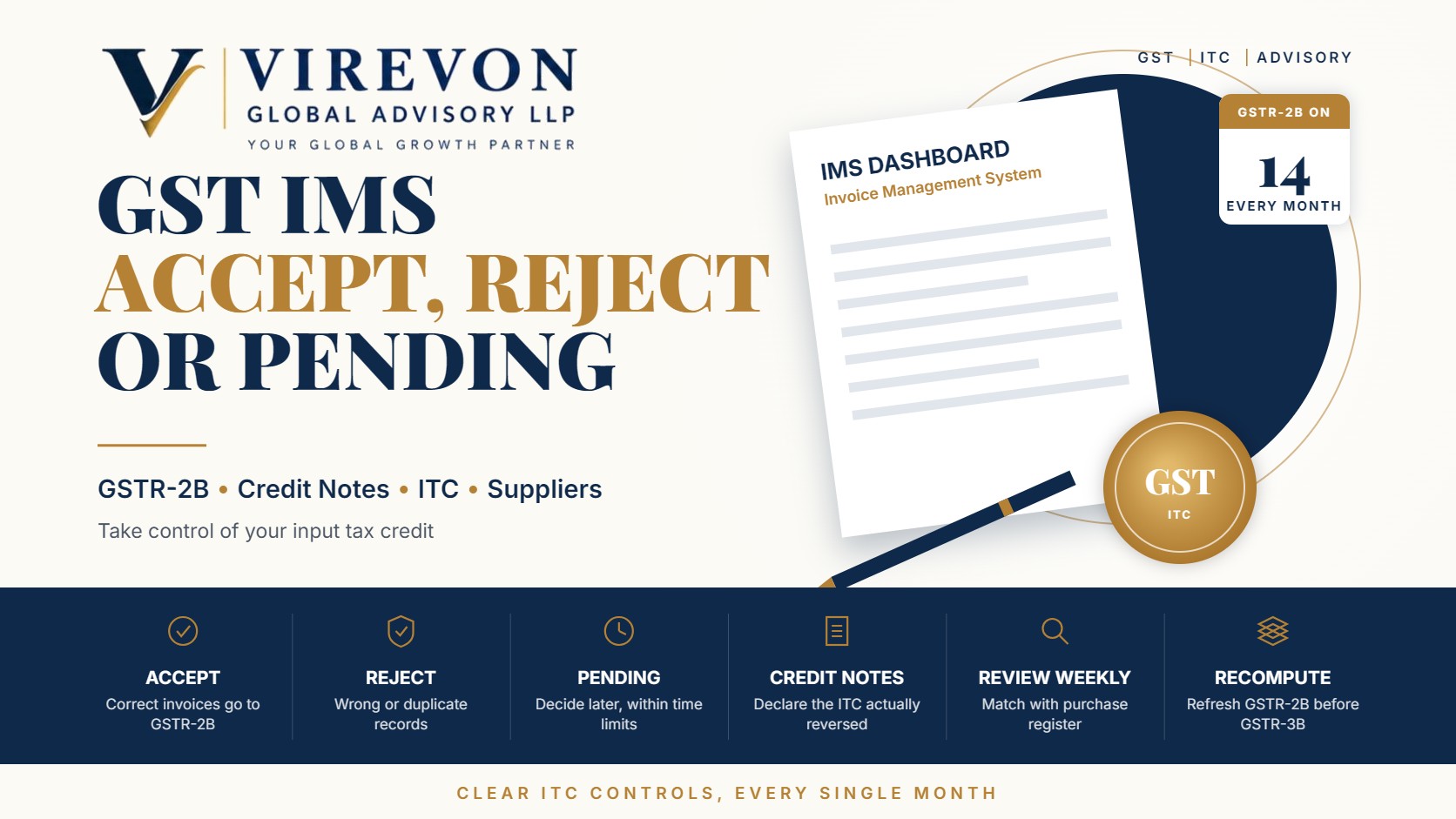
The Invoice Management System GST functionality, known as IMS, gives recipients a simple way to act on the invoices their suppliers report before those invoices flow into GSTR-2B. For each record you can choose to accept, reject or keep it pending. If you take no action, the record is treated as accepted when GSTR-2B is generated.
Used well, IMS turns input tax credit (ITC) from a month-end surprise into a routine, controlled process. Used carelessly, a single wrong click can remove valid credit or leave an incorrect invoice in your GSTR-2B. This guide explains how each action works, what changed for credit notes from October 2025, and a practical monthly routine for your accounts team.
Key takeaways
- IMS lets you accept, reject or keep pending each invoice, debit note and credit note reported by suppliers; no action means deemed acceptance.
- GSTR-2B is generated on the 14th of the following month from IMS actions, and you can recompute it after changing actions until you file GSTR-3B.
- From the October 2025 tax period, credit notes can be kept pending for one tax period, and you can declare how much ITC you are actually reversing.
- Rejection should be reserved for records that are genuinely wrong, as it removes the credit from your GSTR-2B for that period.
- A short weekly review in IMS is far easier than a large reconciliation just before the GSTR-3B due date.
How the Invoice Management System in GST works
When a supplier saves or files an invoice in GSTR-1, GSTR-1A or the invoice furnishing facility, it appears on the recipient’s IMS dashboard. The recipient then reviews it. On the 14th of the following month, the GST portal generates GSTR-2B using the recipient’s actions, and the ITC shown there is auto-populated into GSTR-3B.
Some records do not pass through IMS. These include inward supplies under reverse charge, import of goods reported through customs data, ISD distributions and records that are ineligible under the time limit in section 16(4). Those continue to be handled directly while preparing GSTR-3B.
Accept, reject or pending: what each action means
| Action | Effect on your GSTR-2B | When to use it |
|---|---|---|
| Accept | Included in GSTR-2B for the month | Goods or services received, invoice correct and ITC intended to be claimed |
| Reject | Excluded from GSTR-2B | Invoice not yours, duplicate, wrong values or wrong GSTIN |
| Pending | Excluded this month, stays in IMS for later | Goods not yet received, invoice under verification, dispute in progress |
| No action | Treated as accepted when GSTR-2B is generated | Only where your team has consciously reviewed the record |
Accept
Accept records where the supply has been received, the invoice details match your purchase records, and you intend to claim the credit. Accepting does not replace the other conditions for ITC, such as receipt of goods, payment within 180 days and the supplier paying the tax. It simply includes the record in your GSTR-2B.
Reject
Reject records that should not be in your name at all: invoices with the wrong GSTIN, duplicates, fictitious entries, or invoices where the value or tax is wrong. Once rejected, the record will not form part of your GSTR-2B for that period, and the supplier will need to correct it. Communicate with the supplier promptly so that the correction happens in the next return cycle.
Keep pending
Pending is useful when the invoice may be valid but you are not yet ready to claim it, for example when goods are in transit. Pending records stay in IMS and can be acted on later. Remember that the overall time limit for claiming ITC still applies, so pending cannot be used indefinitely. Our guide to the Section 16(4) ITC time limit explains that deadline.
Credit notes in IMS: the October 2025 changes
Credit notes reduce the recipient’s ITC, so recipients were initially reluctant to accept them promptly. GSTN introduced two useful changes for records reported from the October 2025 tax period onwards.
- Pending option for credit notes. A credit note can now be kept pending for one tax period, which is one month for monthly filers and one quarter for quarterly filers. If no action is taken by the end of that window, it is treated as accepted.
- Declaring the ITC reversal amount. When accepting a credit note, you can indicate whether the ITC to be reduced is the full amount, a partial amount or nil, for example where you had never claimed ITC on the original invoice. A remark is required when declaring partial or nil reversal. If no amount is declared, the system assumes full reversal.
These changes let recipients match reversals to their actual ITC position rather than relying on a default.
A monthly IMS routine that works
- Weekly, review new records. Download the IMS data and match it with your purchase register. Most records can be accepted in bulk once matched.
- Flag exceptions early. For unmatched records, contact the supplier before the month closes.
- Before the 14th, make sure all actions for the month are complete, so that GSTR-2B reflects your decisions.
- After GSTR-2B generation, check the summary. If you change any action, recompute GSTR-2B before filing GSTR-3B.
- Review pending items monthly, and move them to accept or reject as the facts become clear.
- Keep a short log of rejections and reasons, useful in the event of a later query or a GSTR-2B reconciliation difference.
Common mistakes to avoid
- Rejecting instead of keeping pending. A valid invoice that is simply early should normally be kept pending, not rejected.
- Relying on deemed acceptance without review. It is convenient, but incorrect invoices will then flow into GSTR-2B.
- Accepting blocked credits and claiming them. Items covered by section 17(5) may appear in IMS; accepting them for record purposes is fine, but they must not be claimed as ITC.
- Ignoring the supplier side. If you are a supplier, check whether customers have rejected your invoices or credit notes, and correct them in your next return.
- Forgetting to recompute GSTR-2B after changing actions.
Frequently asked questions
Is it mandatory to take action in IMS?
No. If no action is taken, records are treated as accepted when GSTR-2B is generated. However, reviewing records is strongly advisable so that only correct invoices reach your GSTR-2B.
Can I change an action after GSTR-2B is generated?
Yes, until you file GSTR-3B for that period. After changing actions, recompute GSTR-2B so that the updated figures flow into GSTR-3B.
How long can a credit note be kept pending?
For records from the October 2025 tax period onwards, a credit note can be kept pending for one tax period: one month for monthly filers or one quarter for quarterly filers.
Does accepting an invoice in IMS guarantee my ITC?
No. Acceptance places the record in GSTR-2B, but the conditions of the GST law, such as receipt of supply, payment and the time limit, must still be met.
If you would like help setting up an efficient IMS review and ITC reconciliation routine for your team, we would be glad to support you.
This article is general information based on the law as of September 2026, and is not legal or tax advice. Please check the facts of your own case with a professional before acting.