Tag: Bookkeeping

  • Australia BAS Lodgement and GST: A Bookkeeping Guide for Small Businesses

    Australia BAS Lodgement and GST: A Bookkeeping Guide for Small Businesses

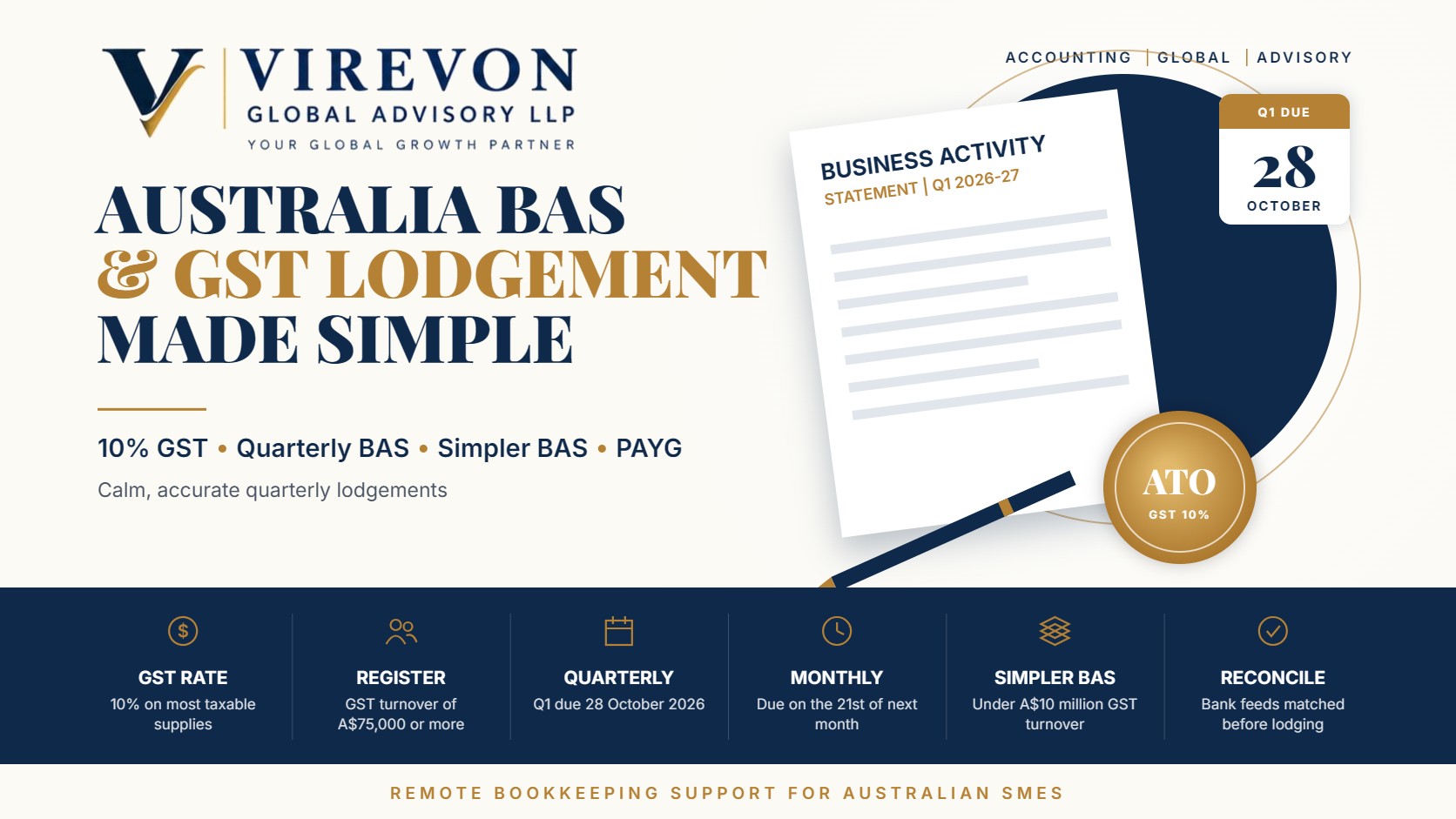
    For most Australian small businesses, Australia BAS lodgement is the most regular conversation they have with the Australian Taxation Office (ATO). The business activity statement (BAS) brings together GST, PAYG withholding, PAYG instalments and a few other taxes in one form, usually every quarter. Done well, it becomes a routine that takes a few hours; done in a rush, it becomes a source of penalties and stress.

    This guide explains how GST works for small businesses, the 2026-27 lodgement calendar, the labels you will actually use, and a simple bookkeeping routine that keeps each BAS accurate and on time.

    Key takeaways

    • A business must register for GST once its GST turnover reaches A$75,000 (A$150,000 for non-profits); taxi and ride-sourcing drivers must register regardless of turnover.
    • GST is charged at 10% on most taxable sales, and GST credits can be claimed on business purchases supported by valid tax invoices.
    • Most small businesses lodge quarterly; Q1 of 2026-27 (July to September) is due on 28 October 2026, with a later date for online lodgement through a registered agent or eligible channel.
    • Businesses with GST turnover under A$10 million can use Simpler BAS, which reports only total sales, GST on sales and GST on purchases.
    • General interest charge incurred from 1 July 2025 is no longer tax-deductible, which makes on-time lodgement and payment even more valuable.

    GST basics for small businesses

    Goods and services tax is a broad-based tax of 10% on most goods, services and other items sold or consumed in Australia. Once registered, a business charges GST on its taxable sales, claims credits for the GST included in its business purchases, and pays (or is refunded) the difference through the BAS.

    Some supplies are GST-free, such as most basic food, some health and education services and exports. Others are input-taxed, such as residential rent and most financial supplies, where no GST is charged and related credits generally cannot be claimed. Correct tax codes in your accounting software are the foundation of an accurate BAS.

    To claim a GST credit on a purchase of more than A$82.50 (including GST), you need a valid tax invoice. For smaller purchases, other records such as a receipt are usually enough.

    Australia BAS lodgement due dates for 2026-27

    Quarterly lodgers follow a fixed calendar. The standard dates below apply to self-lodgers; businesses that lodge online or through a registered tax or BAS agent may receive additional time under the ATO’s lodgement arrangements, so confirm your own dates in Online services for business or with your agent.

    QuarterPeriodStandard due date
    Q1July to September 202628 October 2026
    Q2October to December 202628 February 2027 (moves to the next business day if it falls on a weekend)
    Q3January to March 202728 April 2027
    Q4April to June 202728 July 2027

    Monthly lodgement is compulsory for businesses with GST turnover of A$20 million or more, and some smaller businesses choose it to improve cash flow from refunds. Monthly BAS is due on the 21st of the following month. Very small voluntarily registered businesses may be eligible to report GST annually.

    The BAS labels you will actually use

    A full BAS can look intimidating, but most small businesses use only a handful of fields.

    GST section

    • G1 Total sales: all sales including GST.
    • 1A GST on sales: GST you owe.
    • 1B GST on purchases: GST credits you are claiming.

    Under Simpler BAS, available where GST turnover is under A$10 million, these three are all you report for GST. Your software still needs correct tax codes behind the scenes, but the form itself is shorter.

    PAYG sections

    • W1 and W2: total salary and wages paid, and the amount withheld from them. Businesses using Single Touch Payroll will find these figures in their payroll reports.
    • T7 or 5A: PAYG instalments towards the business’s own income tax, if the ATO has placed the business in the instalment system.

    Other labels, such as fuel tax credits, fringe benefits tax instalments and wine equalisation tax, apply only to specific businesses.

    A quarterly bookkeeping routine that works

    A calm BAS starts well before the due date. We suggest a simple rhythm:

    1. Weekly: code bank feed transactions in your software and attach receipts or tax invoices.
    2. Month-end: reconcile every bank account, credit card and payment gateway, and review unusual tax codes.
    3. Quarter-end, week one: run the GST reconciliation report, check that GST on sales matches your invoicing system and that capital purchases are coded correctly.
    4. Quarter-end, week two: reconcile payroll figures to Single Touch Payroll, review PAYG instalments and prepare the draft BAS.
    5. Before lodgement: compare the draft with the prior quarter; investigate large movements rather than lodging and hoping.
    6. After lodgement: pay by the due date and file the lodged BAS and working papers together.

    Our comparison of QuickBooks Online vs Xero covers how both platforms prepare BAS drafts directly from coded transactions.

    Cash or accruals: choosing a GST accounting method

    Businesses with GST turnover below A$10 million can generally account for GST on a cash basis, reporting GST only when payment is received or made. Larger businesses use the accruals basis, reporting GST when an invoice is issued or received.

    The cash basis often suits service businesses with slow-paying customers, because GST is not paid to the ATO before the customer pays. The accruals basis gives an earlier claim for credits on purchases. Whichever method you choose, make sure your software settings match what you have told the ATO.

    Common BAS errors and how to avoid them

    • Claiming GST on non-registered suppliers’ invoices: check the supplier’s ABN and GST status for larger purchases.
    • Coding private or input-taxed expenses as taxable: bank fees, residential rent and personal expenses carry no GST credit.
    • Missing capital purchases: vehicles and equipment should be reported correctly; a coding slip here can distort a quarter significantly.
    • Payroll mismatches: W1 and W2 should agree with Single Touch Payroll records.
    • Late lodgement: failure-to-lodge penalties and general interest charge add up, and GIC is no longer deductible.

    Errors in a lodged BAS can usually be corrected in a later BAS within set limits, or by revising the original statement. The ATO is generally supportive of businesses that correct mistakes promptly.

    Frequently asked questions

    When is the BAS for July to September 2026 due?

    The standard due date for Q1 of 2026-27 is 28 October 2026. Businesses lodging online or through a registered agent may have a later date, so confirm yours in ATO online services.

    Do I have to register for GST if my turnover is under A$75,000?

    Generally no, unless you provide taxi or ride-sourcing services. You can still register voluntarily, which lets you claim GST credits but means you must charge GST and lodge a BAS.

    What is Simpler BAS?

    It is the default GST reporting method for businesses with GST turnover under A$10 million. You report only total sales, GST on sales and GST on purchases.

    Can an offshore bookkeeper prepare my BAS?

    An offshore team can do the bookkeeping, reconciliations and draft BAS working papers. Lodgement on behalf of clients for a fee must be done by a registered tax or BAS agent, or by the business itself.

    If you would like reliable remote bookkeeping and BAS-ready working papers for your Australian business, we would be glad to help you set up a smooth quarterly routine.

    This article is general information based on the law as of September 2026, and is not legal or tax advice. Please check the facts of your own case with a professional before acting.
  • UK VAT Returns under Making Tax Digital: Bookkeeping Essentials

    UK VAT Returns under Making Tax Digital: Bookkeeping Essentials

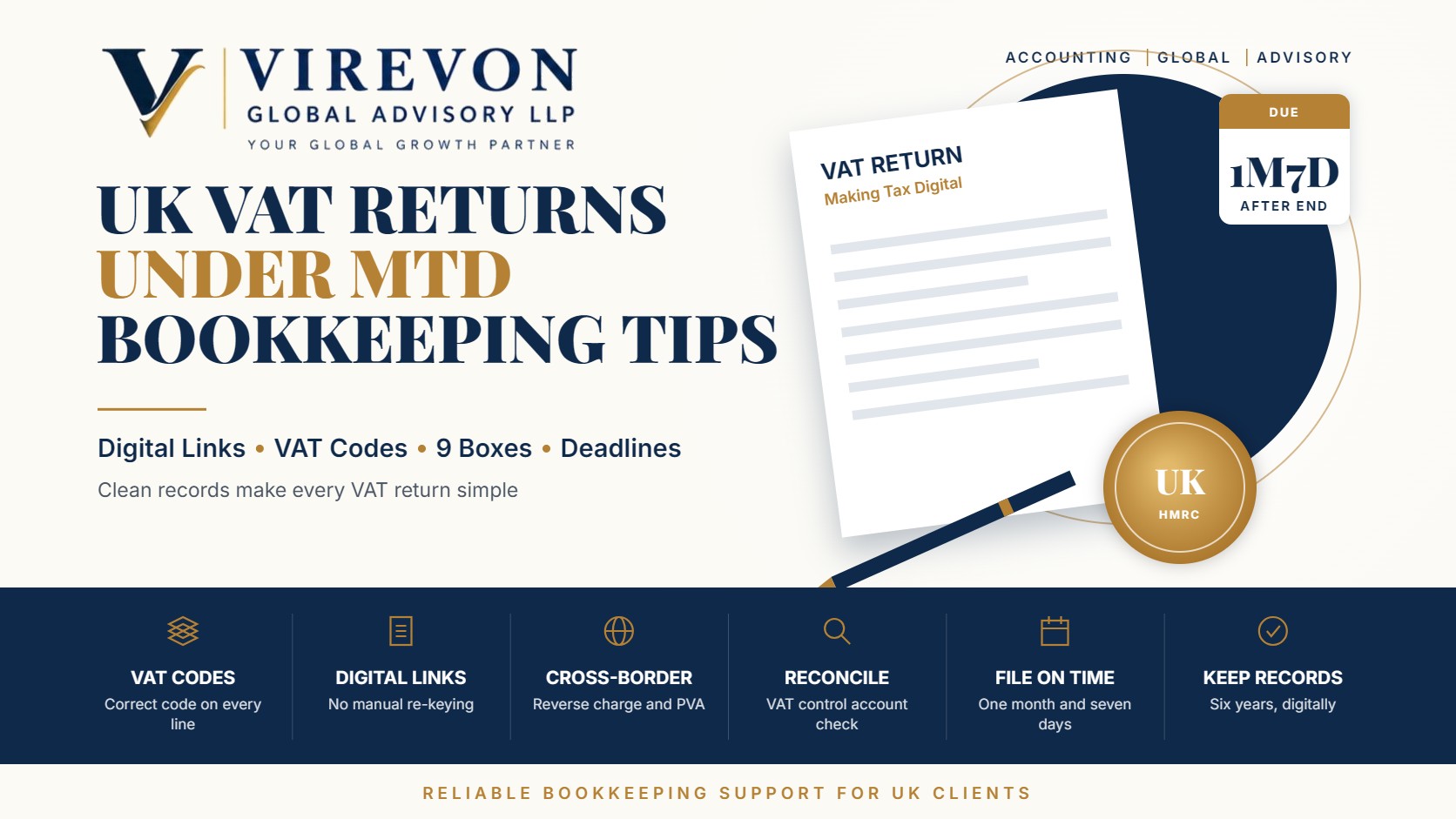
    Every VAT-registered business in the UK now files through Making Tax Digital. A UK VAT return MTD submission is made from compatible software, using figures drawn from digital records without manual re-keying. When the bookkeeping behind it is sound, the return itself takes minutes; when it is not, errors, penalty points and corrections follow.

    This guide focuses on the bookkeeping habits that make VAT returns accurate: how to set up VAT codes, handle cross-border transactions, reconcile the VAT account and meet deadlines under the points-based penalty system.

    Key takeaways

    • MTD for VAT applies to all VAT-registered businesses, regardless of turnover, and requires digital records and digital links between them.
    • The compulsory registration threshold has been £90,000 of taxable turnover since 1 April 2024.
    • Returns and payments are generally due one month and seven days after the end of the VAT period.
    • Late returns build penalty points; a £200 penalty applies once the threshold is reached (4 points for quarterly filers).
    • Late payment penalties start if VAT remains unpaid after day 15, with a daily rate of 10% a year from day 31.

    What MTD for VAT requires

    Digital records

    You must keep, in software or linked spreadsheets:

    • Business name, address, VAT number and the VAT schemes used.
    • For each supply made and received: the date, value and rate of VAT.
    • Any adjustments, such as bad debt relief, partial exemption or errors corrected.

    Digital links

    Where data moves between programs, for example from a sales system to a spreadsheet to bridging software, the transfer must be digital (imports, API links, formula links). Copy-and-paste or retyping totals does not meet the rules.

    Setting up VAT codes correctly

    Most errors start with the wrong tax code on a transaction. A sound code set typically includes:

    CodeUseReturn impact
    Standard 20%Most UK sales and purchasesBoxes 1 and 4, net in 6 and 7
    Reduced 5%Domestic fuel and certain energy-saving itemsBoxes 1 and 4
    Zero-ratedMost food, books, children’s clothing, exports of goodsNet value only in 6 or 7
    ExemptCertain financial, insurance, education and health suppliesNet value only
    Outside scopeWages, dividends, certain non-business itemsNot in the return
    Reverse charge (services)Services bought from overseas suppliersBoxes 1 and 4, net in 6 and 7
    Postponed import VATGoods imported under postponed VAT accountingBoxes 1 and 4, net in 7

    Check supplier invoices for the correct rate rather than assuming 20%, and use ‘no VAT’ codes for items such as train fares where no VAT is charged.

    Cross-border transactions

    These need particular care:

    • Services bought from abroad: a UK business buying, say, bookkeeping or software services from an overseas supplier usually accounts for VAT under the reverse charge, declaring output VAT and reclaiming it as input VAT in the same return (fully, if the business makes only taxable supplies).
    • Imported goods: under postponed VAT accounting, import VAT is declared and reclaimed on the return using the monthly PVA statement from HMRC, rather than paid at the border.
    • Exports of goods: usually zero-rated if you keep evidence of export within the required time.
    • Services supplied to overseas business customers: often outside the scope of UK VAT under the general place of supply rule, but still shown as a net value in the return.

    A monthly bookkeeping routine for VAT

    1. Record all sales and purchases with invoices attached in the software.
    2. Reconcile bank accounts so that nothing is missing or duplicated.
    3. Review VAT codes on new suppliers and unusual transactions.
    4. Import PVA statements for any goods brought into the UK.
    5. Reconcile the VAT control account: the balance should equal the VAT due for the open period, plus any unpaid prior liability.
    6. Before filing, compare the draft return with the previous quarter and investigate large swings.

    A quick worked example

    A London design studio’s quarter shows UK sales of £60,000 plus £12,000 VAT, UK purchases of £8,000 plus £1,600 VAT, and £5,000 of bookkeeping services bought from an Indian provider. Under the reverse charge, it adds £1,000 to output VAT and £1,000 to input VAT. The return shows Box 1 of £13,000, Box 4 of £2,600 and net VAT payable of £10,400, the same amount as without the reverse charge, but with the transaction correctly reported.

    Deadlines and penalties

    For quarterly filers, the return and payment are due one month and seven days after the quarter ends (for example, a quarter ending 30 September is due by 7 November). Direct Debit collection happens a few days later.

    • Late submission: each late return adds a penalty point. The threshold is 2 points for annual, 4 for quarterly and 5 for monthly filers; at the threshold, a £200 penalty applies and each further late return adds another £200 while you remain there.
    • Late payment: no penalty if paid within 15 days; 3% of the amount outstanding at day 15 if paid between days 16 and 30; a further 3% at day 30 and a daily rate of 10% a year from day 31 if still unpaid.
    • Interest applies separately on late payments, and repayment interest may be due to you when HMRC pays late.

    If cash flow is tight, contacting HMRC early about a time to pay arrangement can limit penalties.

    Correcting errors

    Errors below the reporting threshold can generally be corrected in the next return. Larger errors, or those made deliberately, need to be reported separately to HMRC. Keeping a short note of every adjustment and its reason makes a later enquiry much easier to handle.

    For sole traders and landlords also moving to quarterly income tax reporting, see our guide to Making Tax Digital for Income Tax. If you are choosing a ledger, our comparison of QuickBooks Online vs Xero covers VAT features in both.

    Frequently asked questions

    Do small businesses below the VAT threshold need MTD for VAT?

    Only if they are VAT-registered. Voluntarily registered businesses below £90,000 must follow MTD for VAT like everyone else.

    When is a quarterly VAT return due?

    One month and seven days after the end of the VAT quarter. The payment is due by the same date.

    Can I still use spreadsheets for VAT?

    Yes, if the spreadsheet is connected to HMRC through bridging software and all transfers of data are by digital links.

    How long do I keep VAT records?

    Generally for six years. Records must be kept digitally for the MTD requirements.

    If you run a UK business and want clean books and on-time VAT returns under MTD, we would be happy to support you.

    This article is general information based on the law as of September 2026, and is not legal or tax advice. Please check the facts of your own case with a professional before acting.

  • QuickBooks Online vs Xero: Choosing Accounting Software for a Growing Business

    QuickBooks Online vs Xero: Choosing Accounting Software for a Growing Business

    QuickBooks vs Xero is the most common software decision for small and mid-sized businesses in the US, UK, Australia, Canada and beyond. Both are mature cloud accounting platforms with bank feeds, invoicing, bill management, reporting and large app marketplaces. Either can support a well-run finance function; the better choice depends on how your business works.

    This guide compares QuickBooks Online (QBO) and Xero on the points that matter in practice: users, payroll, multi-currency, inventory, integrations and the accountant’s experience. It ends with a simple decision guide and a migration checklist if you are switching.

    Key takeaways

    • QuickBooks Online is widely used in the US, with native payroll and plans that limit the number of users by tier.
    • Xero includes unlimited users on all plans and is especially strong in the UK, Australia and New Zealand.
    • In the US, Xero relies on partners such as Gusto for payroll, while QBO offers payroll within its own ecosystem.
    • Multi-currency, inventory depth and project tracking depend on the plan level in both.
    • Your accountant’s familiarity and the apps you already use are often the deciding factors.

    QuickBooks vs Xero at a glance

    AreaQuickBooks OnlineXero
    UsersTiered: 1 on Simple Start, 3 on Essentials, 5 on Plus, 25 on AdvancedUnlimited users on all plans
    Entry plan limitsCore features limited by tierEntry US plan caps invoices and bills each month
    Payroll (US)QuickBooks Payroll, integratedThrough partners such as Gusto
    Multi-currencyAvailable on higher plansAvailable on the top US plan
    InventoryQuantity tracking on Plus and AdvancedBasic tracked inventory; add-ons for more
    ProjectsProject profitability on Plus and aboveProject tools on higher plans
    App ecosystemLarge marketplaceLarge marketplace, often praised for integrations
    Strongest marketsUnited States, CanadaUK, Australia, New Zealand; growing in US

    Prices and plan names change often and vary by country, so check the current plan pages before deciding. Focus on which plan you would actually need in two years, not just today.

    Where QuickBooks Online stands out

    • US payroll and taxes: payroll runs inside the same ecosystem, so wages, taxes and journal entries stay connected.
    • Accountant familiarity in the US: many US CPAs and bookkeepers use QBO daily, which makes collaboration easy.
    • Classes and locations: useful for tracking departments, branches or service lines.
    • Advanced tier: suits businesses that need more users, custom roles and deeper reporting.

    Where Xero stands out

    • Unlimited users: helpful when many team members or external advisers need access.
    • Clean bank reconciliation: Xero’s reconciliation screen is known for being fast and intuitive.
    • International fit: strong adoption in the UK, including Making Tax Digital for VAT, and in Australia for BAS reporting.
    • Tracking categories: flexible reporting by region, project or cost centre.

    Which fits which business?

    Scenario 1: US service business with 12 employees

    A marketing agency in Florida runs payroll every two weeks and has three people who need access to the books. QuickBooks Online Essentials or Plus keeps payroll, time tracking and accounting under one roof, and its CPA already works in QBO.

    Scenario 2: UK e-commerce brand with many collaborators

    A UK online retailer has a founder, an operations lead, a bookkeeper, an accountant and a fractional finance director who all need access. Xero avoids per-user limits and connects well with UK VAT filing and e-commerce apps.

    Scenario 3: US company with overseas subsidiaries

    A US parent with a UK subsidiary may use QBO for the US entity and Xero for the UK entity, then consolidate through reporting tools. Using the best local fit for each entity is often simpler than forcing one system everywhere.

    A note for Indian businesses: GST compliance, e-invoicing and TDS in India are usually handled in locally designed software, so these platforms are more relevant for your overseas entities or clients.

    Looking at total cost, not just the plan price

    The monthly subscription is only part of the cost. When comparing the two platforms, add up everything you will actually pay for over a year:

    • The plan you will need at your expected size, including the user count and features such as multi-currency or projects.
    • Payroll, whether built in or through a partner, including per-employee charges.
    • Add-on apps for inventory, expense capture, approvals or reporting.
    • Payment processing fees on card and online payments collected through the software.
    • Set-up and training time, including any migration or data clean-up work.
    • Your accountant’s time. A platform your adviser knows well can reduce review and year-end effort, which often outweighs a small difference in subscription price.

    A simple spreadsheet comparing these items for both platforms usually makes the decision much clearer.

    Migration checklist if you are switching

    1. Pick a clean cut-off date, ideally the start of a financial year or quarter.
    2. Export and clean master data: chart of accounts, customers, vendors, items and tax codes.
    3. Bring in opening balances from a closed and reconciled trial balance.
    4. Decide on history: many businesses migrate only open invoices and bills, and keep the old system read-only for past years.
    5. Reconnect bank feeds and payment apps, and set bank rules afresh.
    6. Run both systems in parallel for one month-end close, then compare reports.
    7. Train users on approvals, bill capture and reporting before switching off the old system.

    Questions to ask before you choose

    • How many people need access now, and in two years?
    • Where will payroll run, and how will it post to the books?
    • Do you invoice or pay in multiple currencies?
    • How much inventory do you hold, and do you need assembly or batch tracking?
    • Which apps must connect, such as payment processors, e-commerce platforms and expense tools?
    • Which platform does your accountant or bookkeeping team know best?

    If you plan to outsource day-to-day accounting, see our guide to outsourced bookkeeping for US small businesses. Accounting firms evaluating capacity can read about offshore accounting support for CPA firms.

    Frequently asked questions

    Is QuickBooks or Xero better for a small business?

    Neither is better for everyone. QuickBooks Online often suits US businesses that want integrated payroll, while Xero suits businesses that need unlimited users or operate in the UK, Australia or New Zealand.

    Does Xero have payroll in the US?

    In the US, Xero provides payroll through partner integrations such as Gusto rather than a native payroll product.

    Can I move from QuickBooks Online to Xero, or the other way?

    Yes. Migration tools and conversion services exist for both directions. Plan a clean cut-off date and reconcile opening balances carefully.

    Which is better for multi-currency?

    Both support multi-currency on higher plans. Compare the specific plan you would need, including the cost of any add-ons.

    If you would like help choosing between QuickBooks Online and Xero, or migrating cleanly from one to the other, our team would be glad to help.

    This article is general information based on the law as of September 2026, and is not legal or tax advice. Please check the facts of your own case with a professional before acting.